← Back to Home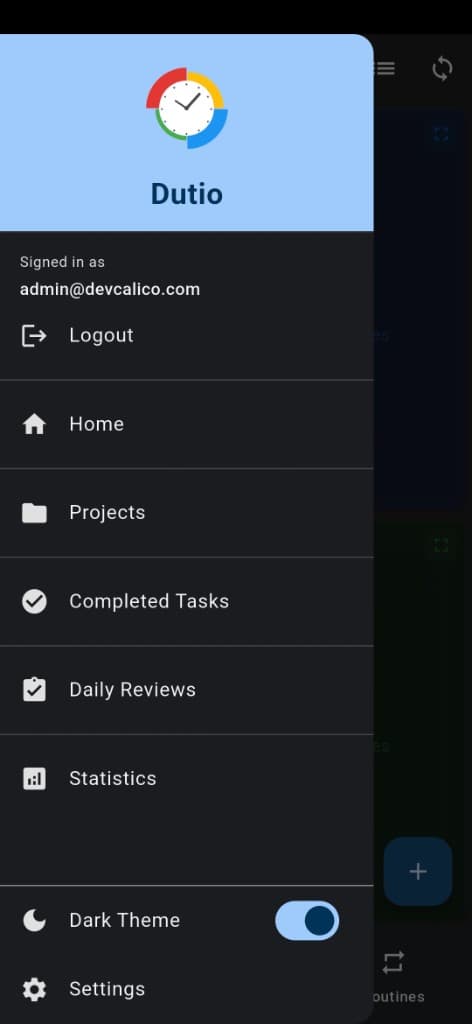
Delete Account & Data
To permanently delete your account and all associated data, follow the steps below or contact us directly.
Delete from within the app
- Open the Dutio app.
- Go to Profile or Settings.
- Find the "Delete my account" or "Delete my data" option.
- Read the confirmation screen and confirm account deletion.
Open the drawer menu and tap Settings.
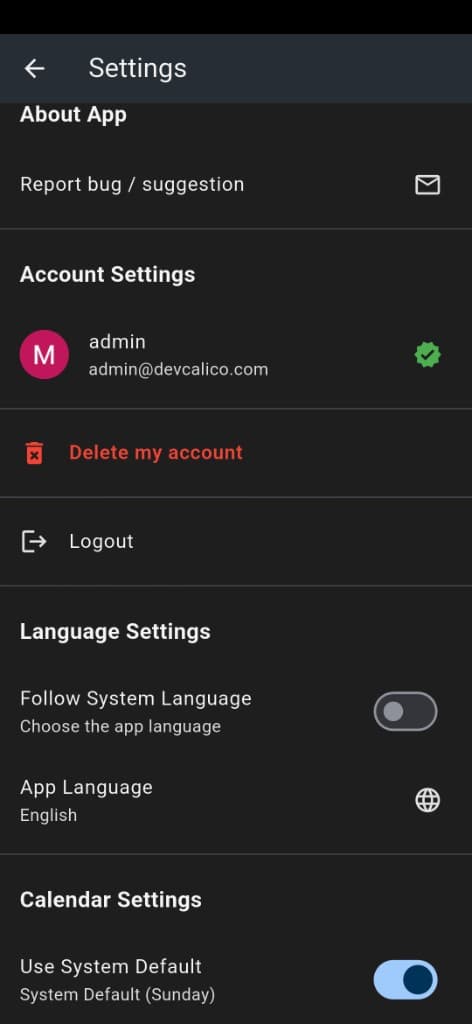
In Settings, tap "Delete my account".
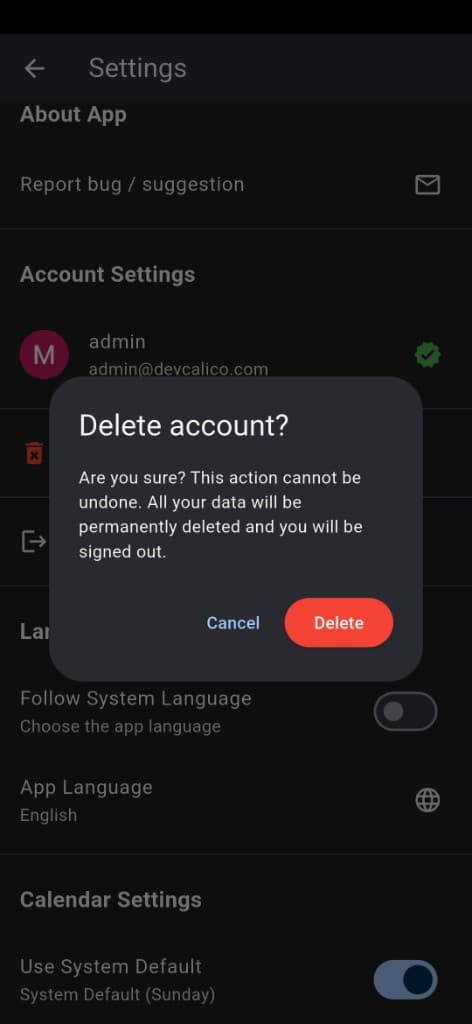
Confirm deletion in the dialog.
Request deletion by email
If you are unable to delete from within the app, you can request account and data deletion by emailing us at the address below. Please include the email address associated with your account in your request.
Contact: support@dutio.app
Important information
- When your account is deleted, your tasks, settings, and all other data are permanently removed.
- This action cannot be undone; deleted data cannot be recovered.
- If you have a subscription, we recommend cancelling it first (via Google Play).
- We may notify you by email once the process is complete.